
Creating a cozy and functional home workspace is essential for staying productive and comfortable throughout your workday. Whether you work remotely full-time or occasionally need a quiet spot for tasks, having a dedicated area that supports focus and relaxation can make a big difference. Here’s a guide to help you design a home workspace that feels inviting and practical.
Why a Cozy and Functional Workspace Matters
A workspace at home isn’t just about having a desk and chair. When the area combines comfort with functionality, it encourages better concentration, reduces stress, and helps separate work time from personal life. This balance is key to maintaining motivation and achieving your goals.
—
Step 1: Choose the Right Location
Selecting the right spot lays the foundation for an effective workspace.
Consider These Factors:
– Natural Light: Pick a space near a window if possible. Natural light boosts mood and energy.
– Quietness: Find a quiet corner or room with minimal distractions.
– Space: Ensure you have enough room for your desk, chair, and other necessary items.
– Privacy: Look for a spot where household members won’t frequently interrupt.
If space is limited, even a small nook or a corner of a living room can be transformed with smart design.
—
Step 2: Invest in Ergonomic Furniture
Comfort and proper posture are vital for long hours of work.
Desk and Chair Tips:
– Desk Height: Your desk should allow your forearms to rest parallel to the floor.
– Chair Support: Choose a chair with adjustable height and good lumbar support.
– Footrest: Consider a footrest to relieve pressure on your legs.
– Adjustability: Equipment that can be customized to your body reduces fatigue and discomfort.
Remember, comfort reduces the risk of strain or injury.
—
Step 3: Organize Your Workspace Efficiently
An organized area helps maintain focus and saves time searching for items.
Organization Ideas:
– Use Storage Solutions: Drawers, shelves, or desk organizers for papers, supplies, and gadgets.
– Cable Management: Keep cords tidy using clips or sleeves to avoid clutter.
– Minimalism: Only keep essentials on your desk to reduce distractions.
– Digital Organization: Keep your computer’s files sorted and desktop clutter-free.
Regularly decluttering supports a clear mind.
—
Step 4: Personalize Your Space
Adding personal touches can make your workspace inviting and reflect your personality.
Suggestions:
– Plants: Small greenery improves air quality and brings life to the area.
– Art and Photos: Pictures or artwork can inspire and add warmth.
– Color Palette: Choose soothing colors that enhance calmness, like soft blues or greens.
– Comfort Items: A cozy blanket, a favorite mug, or scented candles can boost comfort.
Just avoid over-cluttering with too many decorations.
—
Step 5: Optimize Lighting
Proper lighting reduces eye strain and boosts alertness.
Lighting Tips:
– Layer Lighting: Combine natural light, overhead lamps, and desk lamps.
– Adjust Brightness: Use dimmable lamps to control the light level depending on the task.
– Positioning: Place your desk lamp to the side opposite your dominant hand to prevent shadows.
– Avoid Glare: Position screens and lights to reduce reflections.
Good lighting creates a welcoming and functional atmosphere.
—
Step 6: Manage Noise and Distractions
Keeping interruptions to a minimum helps maintain your workflow.
Sound Strategies:
– Noise-Canceling Headphones: Ideal for blocking out household noise.
– White Noise Machines or Apps: Can provide background sound to mask distractions.
– Set Boundaries: Communicate work hours with family or roommates.
– Limit Tech Distractions: Use apps or settings to minimize phone and computer notifications.
Consistent routines help create a productive work mindset.
—
Step 7: Incorporate Healthy Habits
Your workspace should support your physical and mental health.
Healthy Additions:
– Regular Breaks: Use timers to remind yourself to stand, stretch, and move.
– Hydration Station: Keep a water bottle handy to stay hydrated.
– Air Quality: Ensure good ventilation or add an air purifier if needed.
– Exercise Tools: Small hand weights or a yoga mat nearby encourage quick activity.
Healthy habits boost energy and reduce fatigue throughout the day.
—
Step 8: Use Technology Wisely
Equip your workspace with the right tools for efficiency.
Useful Tech:
– Reliable Internet: A stable connection is crucial for seamless work.
– Ergonomic Accessories: External keyboards, mice, or monitor stands improve posture.
– Backup Devices: Keep chargers and backup drives accessible.
– Productivity Software: Calendar apps and task managers help stay organized.
Choose tools that support your workflow rather than complicate it.
—
Final Thoughts
Designing a cozy and functional home workspace is about creating an environment that supports your work style and well-being. By focusing on comfort, organization, and practical details, you can build a space where productivity and relaxation coexist. Start small, adjust as needed, and enjoy a workspace that makes working from home a true pleasure.
Related Posts
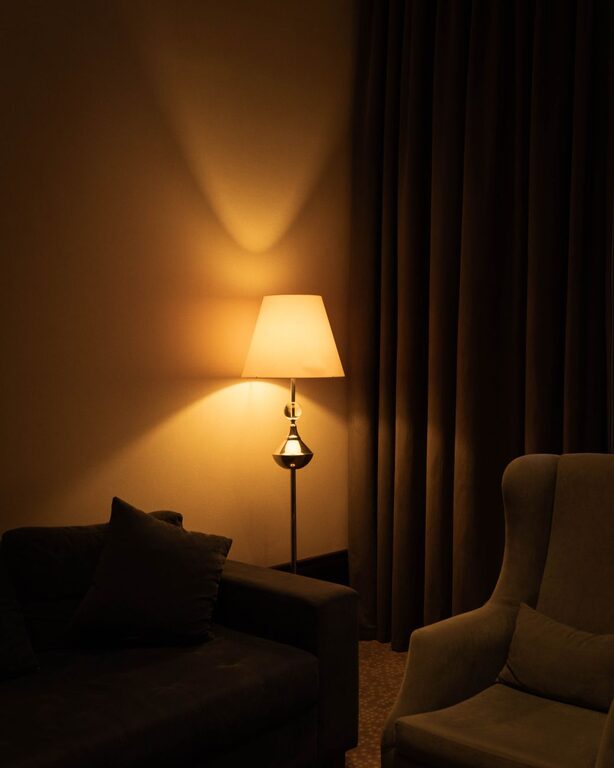
Tips for Creating a Cozy and Inviting Living Room Space
Creating a cozy and inviting living room is a wonderful…
Effective Tips for Organizing Your Home Office to Boost Productivity and Comfort
Creating a well-organized home office is essential for productivity and…
Tips for Creating a Relaxing Home Workspace to Boost Productivity and Well-being
Creating a relaxing home workspace is key to staying productive…